AI Table Companion
Overview
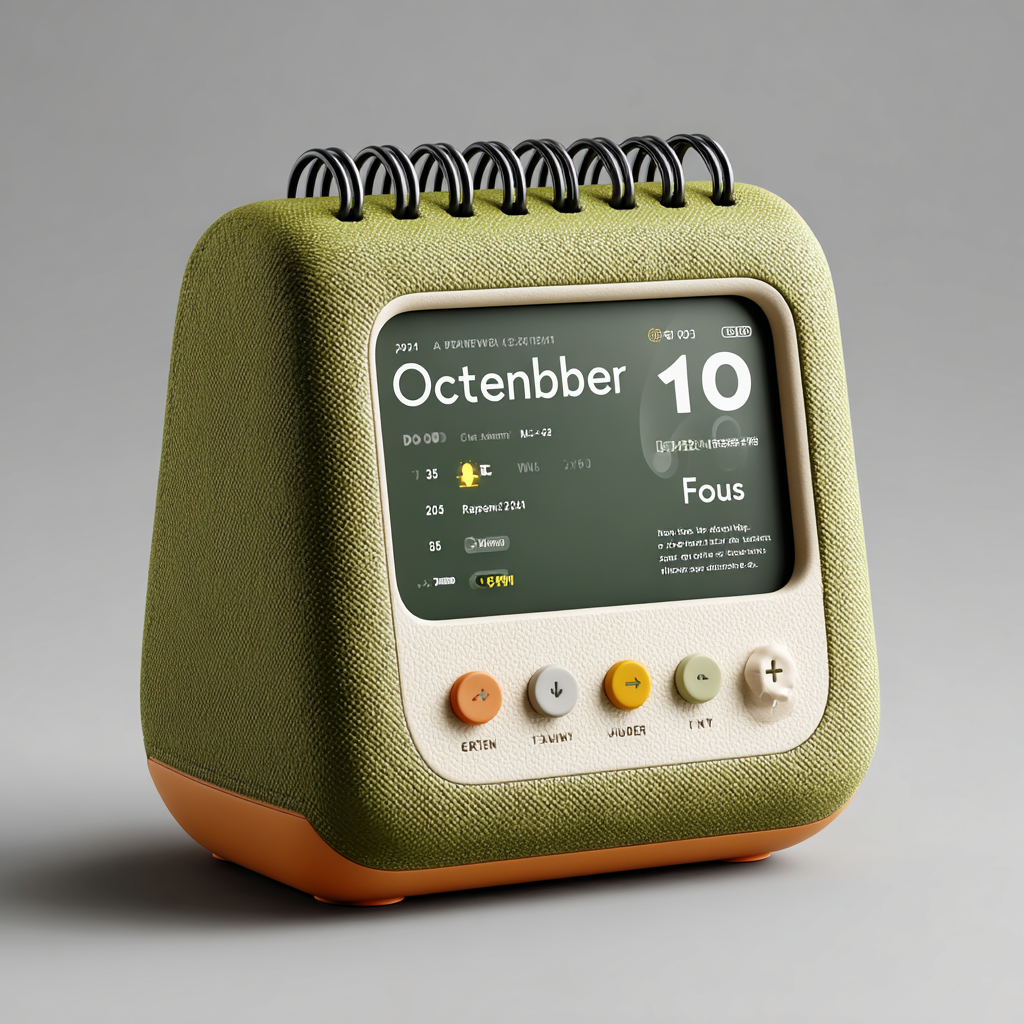
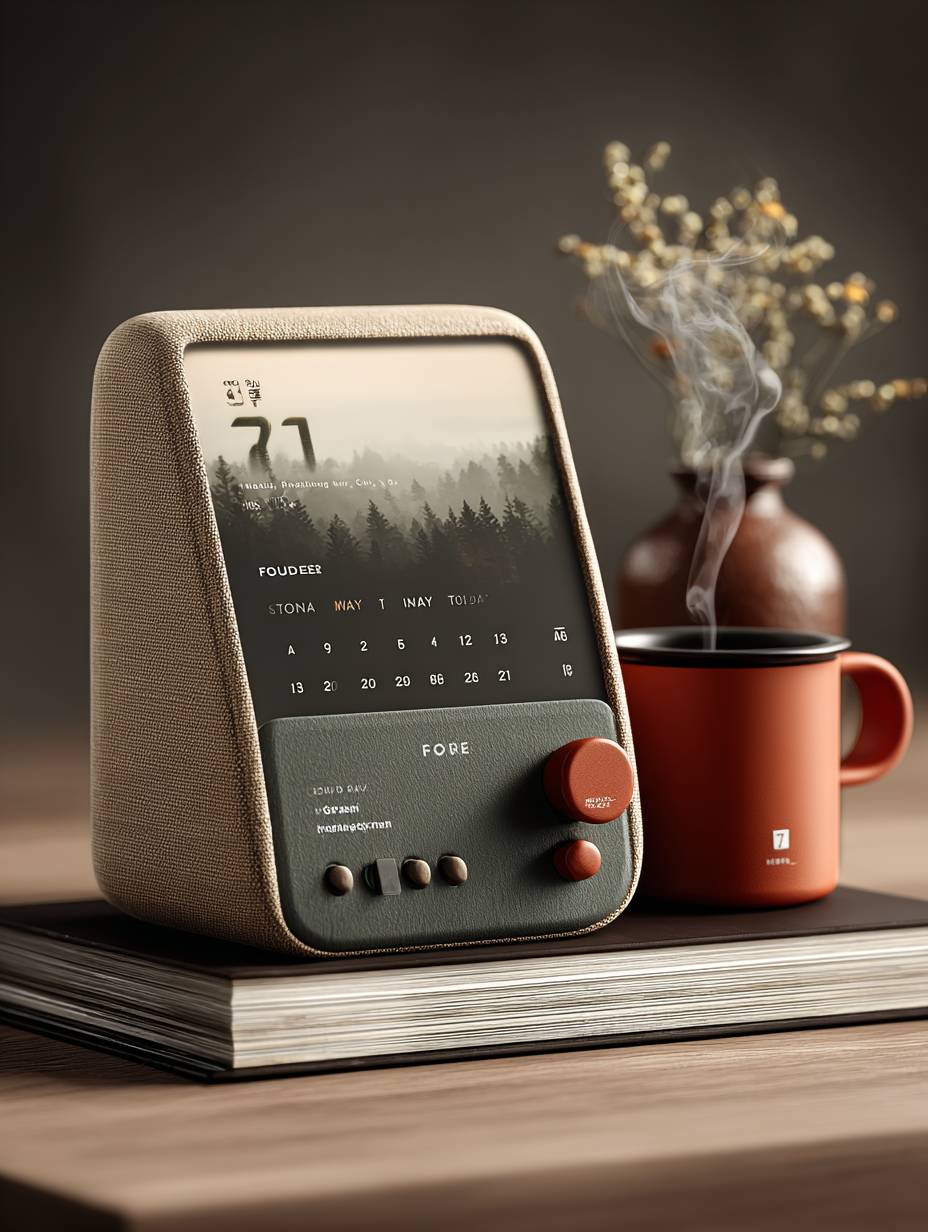
A self-initiated exploration of a calm AI tabletop companion that started from a dream. The concept combines daily planning, focus, weather and calendar views into a tactile desk object designed to feel less like software and more like a personal physical companion.
My contribution
Product concept, UX/UI, interaction design, visual direction, physical form exploration, AI-assisted prototyping and 3D concept development.
The team
Independent project — solo exploration.
Year
2025
Process
It started with a dream.
Literally.
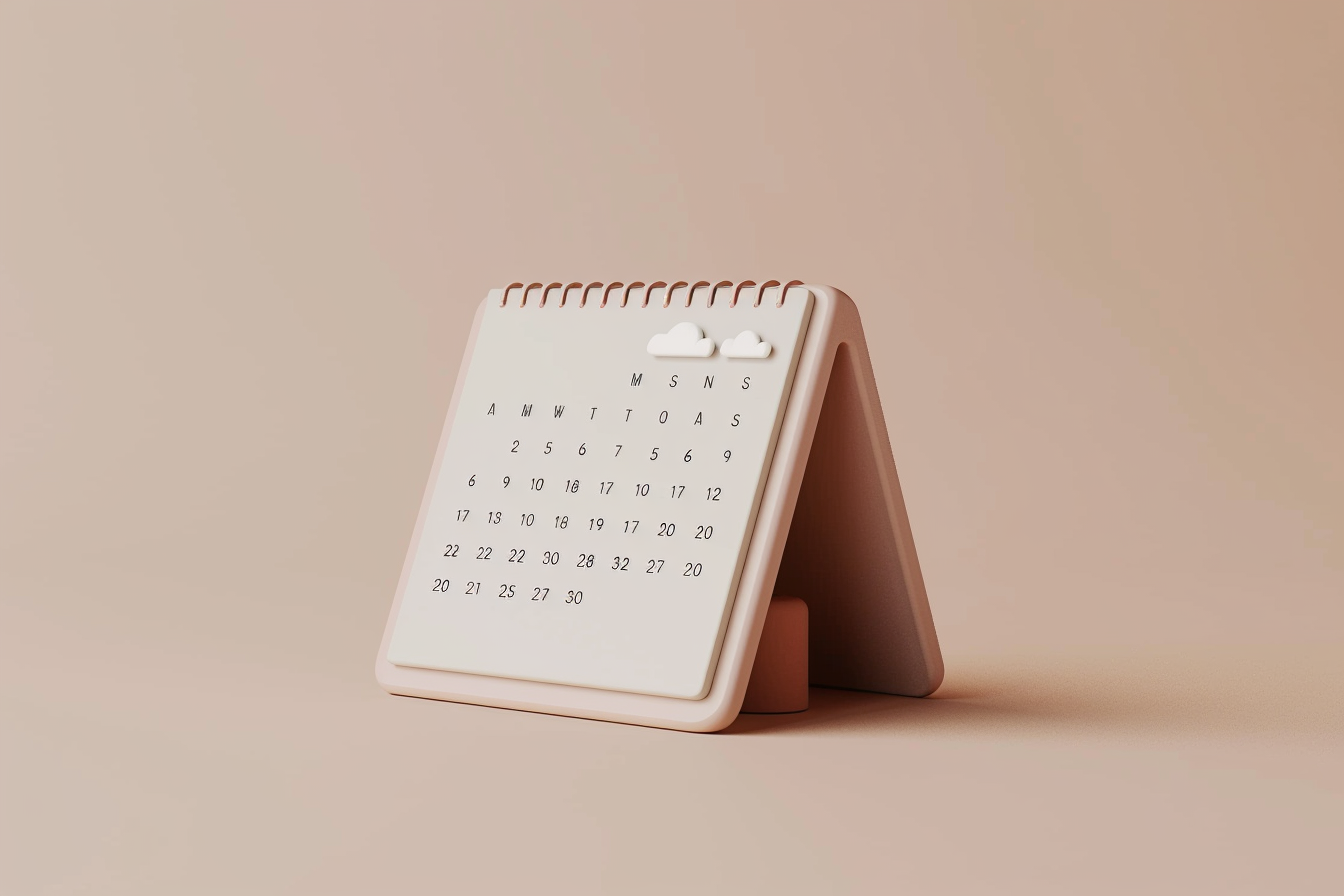
I woke up with an image of a tabletop calendar that looked almost like paper, but could quietly change throughout the day — showing my calendar, priorities and what I should focus on without needing to pick up my phone.
I liked the idea enough that I decided to see how far I could take it in my spare time.
From a calendar to a companion
The original idea was deliberately simple: a permanent, paper-like calendar connected to your digital life.
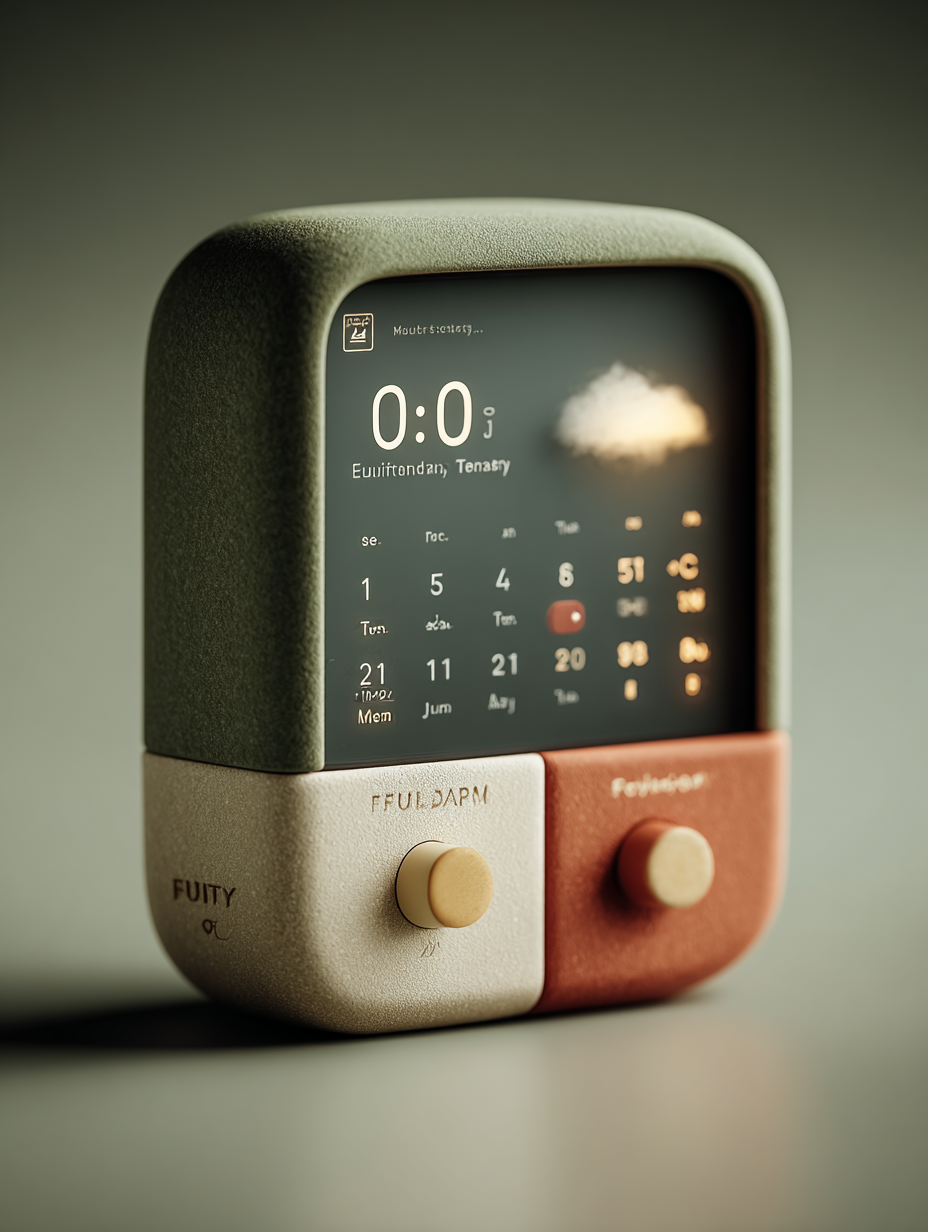
As I explored it, the concept evolved into something more playful, a calm tabletop companion that could move between different pieces of information through a physical control:
Today — time, date and key events
Focus — a small set of personalised priorities
Calendar — a wider view of the week or month
Weather — a softer ambient moment in the day
Rather than another screen demanding attention, I wanted it to be something you could simply glance at and live alongside.
Designing beyond the screen
This project gave me an excuse to step outside my usual product design workflow and explore areas I don’t work with every day.
I experimented with:
- physical form and industrial design
- tactile controls and screen interactions
- e-paper and display constraints
- materials, proportions and manufacturing considerations
- AI-assisted concept generation and 3D modelling
- how digital information can feel less like software and more like an object
I used Figma for the interaction and interface system, then experimented with tools including Midjourney and Krea 3D to rapidly explore physical forms and translate a 2D idea into something more tangible.
The interaction
One of my favourite parts of the concept is the relationship between the physical control and the digital interface.
Instead of navigating menus, turning or pressing the control moves between different views. The interface transitions as though the information is being rearranged on a piece of paper — keeping the experience tactile, simple and slightly unexpected.
The aim was never to add more information.
It was to decide what deserves your attention right now.
What I learned
I didn't start this project because I knew how to build hardware.
I started it because I didn't.
It became a small exercise in following curiosity beyond my existing skill set, learning enough about industrial design, displays, physical controls, prototyping and AI-generated 3D workflows to make the idea increasingly real.
That is probably what I enjoyed most about it: starting with something I saw in a dream, then teaching myself whatever I needed to take it one step further while exploring AI tools.